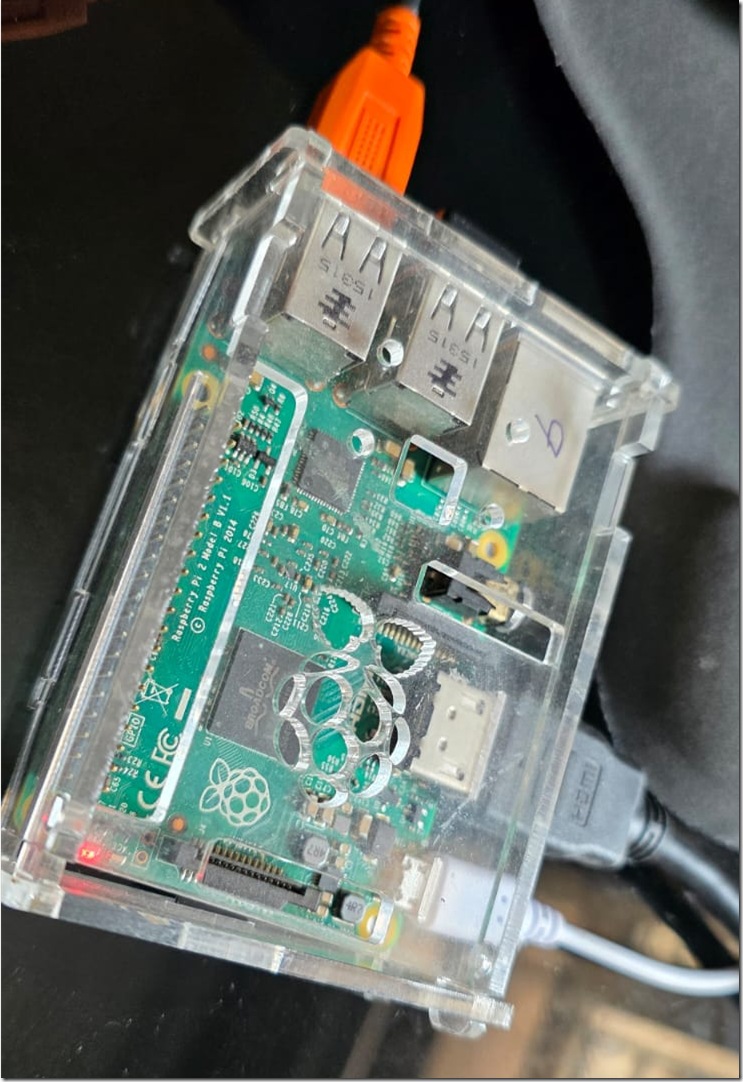
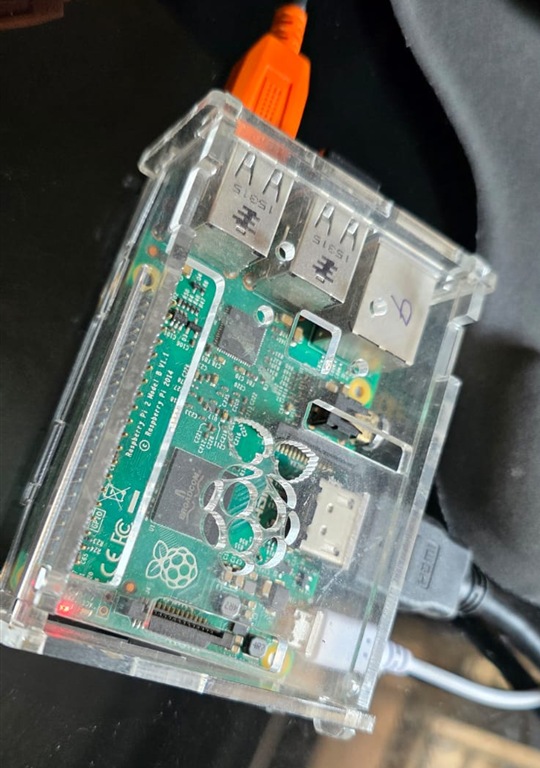
This article is a write up of my experience on hosting Qwen 2.5 the 0.5B model in Raspberry Pi 2 using Llama.cpp. Qwen 2.5 is one of the small SLM with 0.5B parameters so a small development board like Raspberry Pi can hold it. RPi 2 Model B comes with 900Mhz speed and only 1GB of memory.
But to be honest, setting up the project might take 1-2 hours, and the prompt execution is only some 1-2 tokens per second. So you need to be patient.
Let us begin!
Step 0: Pick up the Raspberry Pi 2 from the attic. Just kidding. Any version including zero should work!
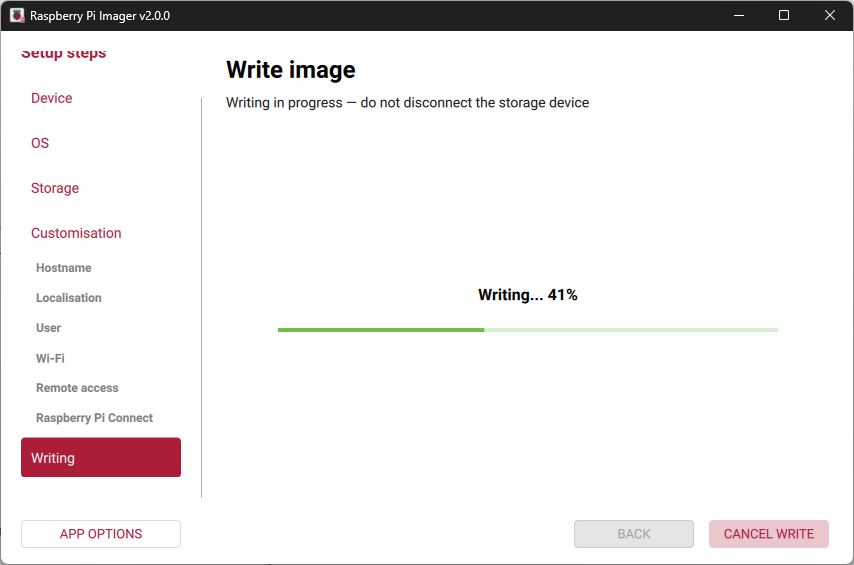
Step 1: Load the new OS – Raspberry Pi OS (previously Raspbian) using the official Raspberry Pi Imager.
Step 2: Make sure the board boots up smooth with the new OS
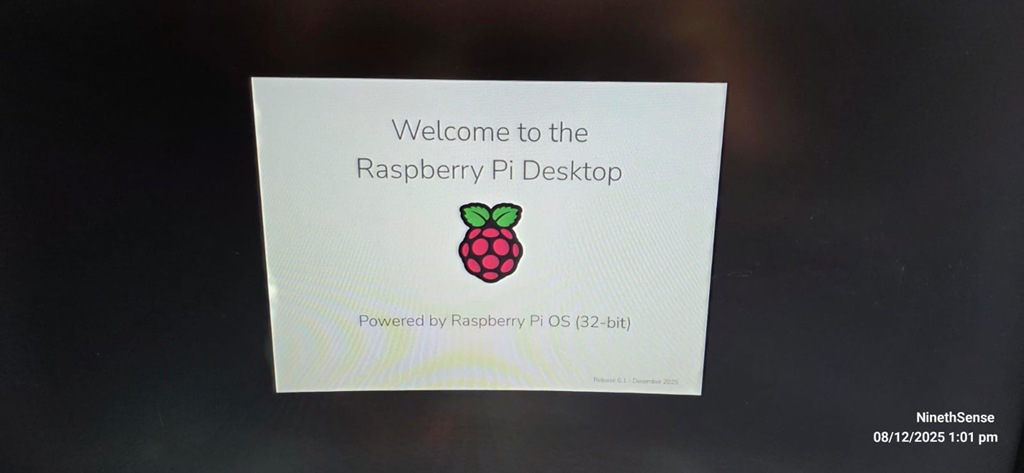
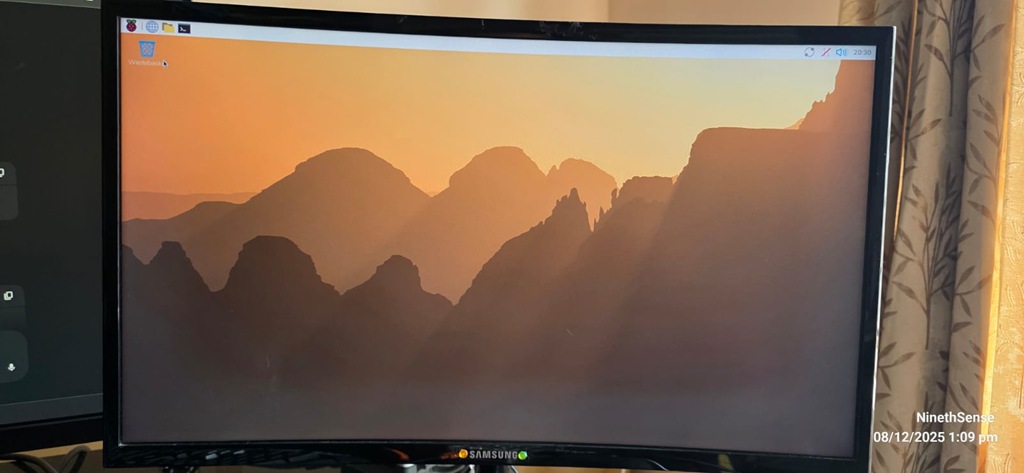
Ok all set!.
Step 3: Do some pre-requisites installations and updates
sudo apt update && sudo apt upgrade –y
sudo apt install git g++ build-essential make wget cmake
Step 4: Setup llama.cpp
The main goal of llama.cpp is to enable LLM inference with minimal setup and state-of-the-art performance on a wide range of hardware – locally and in the cloud.
git clone https://github.com/ggerganov/llama.cpp
cd llama.cpp
Step 5: CMake the project
cmake ..
cmake –build . –config Release -j 2
(you might encounter some issues with dependencies. You have to either disable it, install it.
eg. sudo apt install libcurl4-openssl-dev –y
Note: This is the most slow phase!
Step 6: Get the brain – Qwen
Step 7: Action!
I have a simple prompt “Write a short story about a cat”
./build/bin/llama-cli -m qwen2.5-0.5b-instruct-q4_k_m.gguf -p “Us
er: Write a short story about a cat.\nAssistant:” -c 512 -n 128
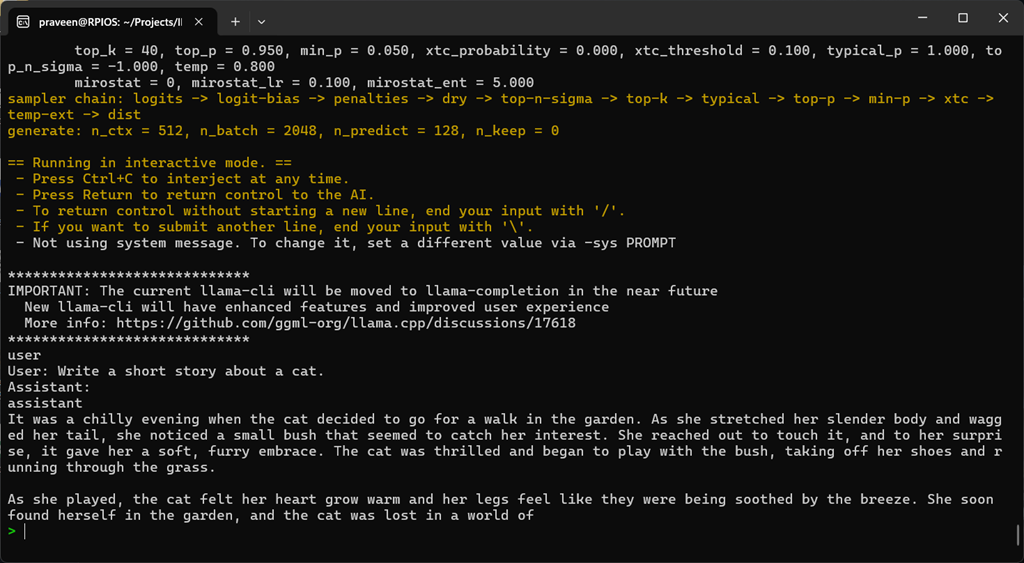
Watch this video clip to experience the response generation speed: